Instagram Follower Growth API: How to Track Followers Over Time


If you are searching for an Instagram follower growth API, you probably do not need today's follower count. You need a way to measure movement.
That usually means one of these jobs:
checking whether your own account is growing steadily or stalling
tracking competitor momentum over time
measuring whether a campaign changed audience growth
replacing weekly manual reporting with something repeatable
That is why follower growth is not the same topic as follower count. A static number tells you where an account is today. Growth data tells you whether it is gaining relevance, losing momentum, or reacting to a specific content or campaign push. If your immediate question is still “how many followers does this account have right now,” start with Instagram API Follower Count. This article is for the next layer: how to track change over time.
Why follower growth is a different problemA large account can be flat.
A smaller account can be accelerating.
A sudden spike can come from a giveaway, a viral Reel, a creator mention, or paid traffic.
That is why follower growth matters more than a screenshot of the current number.
What teams are usually trying to understandWhen marketers, agencies, and product teams track follower growth, they are rarely interested in the number alone. They are usually trying to answer:
Is this campaign working?
Is this competitor pulling away?
Is this creator gaining real traction?
Did our content strategy improve audience momentum?
Are we looking at steady growth or one short-lived spike?
Those are decision questions, not vanity questions.
Why manual checks stop being usefulManual reporting works at the beginning, then quietly becomes unreliable.
A person checks the profile every Friday, copies the follower count into a sheet, and repeats the process next week. The problems come fast:
the timing is inconsistent
small mistakes creep in
history stays shallow
comparison across accounts gets messy
no one wants to maintain it for months
That is the point where teams start looking for an API, not because APIs are exciting, but because manual tracking stops being dependable.
What the official Instagram API can and cannot doThe official route can support follower growth tracking, but not in the way many people expect.
It helps you collect the raw inputs. It does not automatically give you a finished growth-reporting system.
What you can get from the official routeIn a standard professional-account setup, the official Instagram Graph API can expose profile-level signals such as:
follower count
follows count
media count
profile fields like username, bio, and website
selected insights depending on account type, permissions, and workflow
That is enough to create repeated snapshots and build growth history from them.
What it does not hand you automaticallyThis is the part that matters most.
The official route does not usually give you:
a ready-made historical follower growth chart for every account you want to monitor
broad competitor tracking with no setup burden
follower list access
a reporting layer that explains why growth changed
If you are still trying to solve follower-list access, that is a different task entirely. Read Instagram Graph API: Get Followers List & Following for that. If you are trying to compare public competitor profiles, Instagram Business Discovery API for Competitor Tracking is the better match.
How follower growth tracking works in practiceA usable follower growth workflow is usually much simpler than people think. The hard part is not collecting one number. The hard part is collecting the same data consistently and storing enough context to interpret it later.
Step 1: decide whose growth mattersDo not start by tracking every account you can name.
A stronger first set usually includes:
your own account
direct competitors
a few category leaders
creators or publishers you benchmark against
Too many accounts create noise before they create insight.
Step 2: collect snapshots on a fixed scheduleFollower growth only becomes visible when the same metric is saved repeatedly.
Most teams settle into one of these rhythms:
daily snapshots for active campaigns or short tests
weekly snapshots for ongoing performance reporting
monthly snapshots for leadership reviews and broader competitive analysis
The key is consistency. If collection timing drifts, the chart becomes harder to trust.
Step 3: store more than one numberA follower count alone is too thin. A better growth snapshot usually includes:
follower count
follows count
media count
username
bio
website
capture date
That extra context makes the growth easier to interpret. If a competitor suddenly gains followers and also changes its profile positioning or publishing frequency, the growth pattern tells a different story.
Step 4: compare trendlines, not just spikesThe wrong question is:
Did followers go up today?
The better questions are:
Did the growth hold over the last four weeks?
Did competitors move in the same period?
Did growth change after a new content format or campaign?
Did engagement move with follower growth, or was the spike shallow?
That is where follower growth becomes strategically useful.
Choosing the right API route
Choosing the right API routeMost teams do not really need “the best Instagram follower growth API.” They need the route that matches the reporting workflow they actually have.
Option 1: use the official Instagram Graph APIThe official route is usually enough when:
you track your own professional account
you are comfortable with Meta setup and authentication
you can store snapshots yourself
you only need a focused reporting workflow
This is often the cleanest starting point for internal reporting.
Option 2: use a third-party Instagram data APIA third-party API becomes more attractive when:
you want faster setup
you need easier access to public account tracking
you do not want to manage as much platform-specific friction
you want follower growth as one part of a broader data workflow
This is often where teams compare refresh frequency, data breadth, ease of use, and documentation quality rather than just raw endpoint lists.
Option 3: use a broader reporting layerOnce the workflow expands beyond a few accounts or one platform, the question changes.
It is no longer:
How do I check follower growth?
It becomes:
How do I run this as a repeatable reporting system across many accounts and maybe multiple platforms?
That is where KeyAPI's Instagram API starts making more sense. For teams that need Instagram data inside a larger monitoring setup, a broader API layer is often easier to operate than stitching together one narrow workflow at a time. If your use case already spans multiple social platforms, KeyAPI.ai is the larger product context behind that decision.
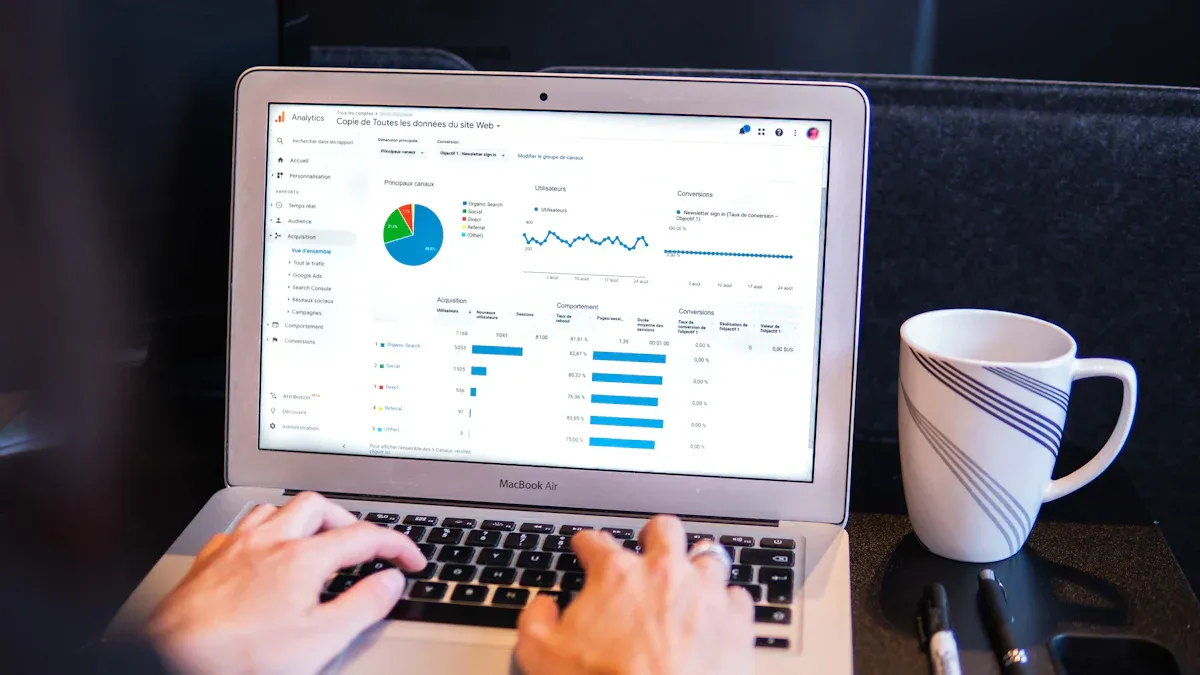
How often should you track follower growth?This depends less on the platform and more on the job.
Daily tracking works when speed mattersDaily snapshots are useful when:
you are testing content changes
you are measuring campaign impact
you want fast feedback after launches or partnerships
the category moves quickly
Daily collection gives you more sensitivity, but it also increases noise.
Weekly tracking works for most teamsWeekly snapshots are often the best default for:
competitor tracking
client reporting
internal growth reviews
ongoing creator or category monitoring
Weekly tracking removes a lot of meaningless day-to-day fluctuation and makes trends easier to interpret.
Monthly tracking works for leadership summariesMonthly snapshots are fine if the workflow is mostly:
board or executive reporting
high-level category reviews
broad trend comparison
The trade-off is that you lose detail and reaction speed.
How to automate data collectionThis is where follower growth tracking becomes truly useful. Once the data collection is automated, the work shifts from gathering numbers to interpreting patterns.
Common automation methodsMost teams use one of these:
scheduled API requests
cron jobs
server-side tasks
cloud functions
The pattern stays simple:
request follower-related profile data on schedule
store the snapshot
compare it with prior snapshots
feed the result into a report, dashboard, or alert system
Why automation changes the workflowAutomation saves time, but that is not the main advantage.
The real gain is consistency. The numbers arrive on the same schedule, with the same structure, and the history becomes usable. That makes the reporting layer far more reliable than casual manual checks.
Where to store follower growth dataThe storage choice depends on scale.
Use a spreadsheet if the workflow is smallA spreadsheet is often enough when:
the number of tracked accounts is low
the reporting cadence is weekly
the team wants fast visibility
the workflow is still early-stage
This works well for lean brand teams and lighter agency reporting.
Use a database if the workflow is growingA database becomes the better choice when:
you monitor many accounts
you want long-term history
you need structured trend queries
you want to join follower growth with engagement or post data
you are building a product or internal analytics system
This is usually the point where follower growth stops being “one metric in a sheet” and becomes part of a broader data model.
What a useful growth report should showA chart by itself is not enough. The report has to support a decision.
A useful follower growth report should help answerAre we growing faster or slower than last month?
Which competitor moved the most this quarter?
Did a campaign change audience momentum?
Are growth spikes holding, or fading after short bursts?
Are content changes affecting audience growth over time?
The best reports usually includefollower count over time
week-over-week or month-over-month change
account vs competitor comparison
campaign or content dates layered into the trendline
engagement context where available
That is when the report becomes useful for planning, not just observation.
Common mistakes teams makeThe
Mistake 1: reacting to noiseNot every small daily movement means something.
If you track growth too closely without enough context, you start reacting to fluctuations instead of trends.
Mistake 2: treating follower growth as proof of successFollower growth is useful, but it is not complete on its own.
Some accounts grow through real audience momentum. Others grow because of promotion, paid traffic, or short-lived attention. That is why follower growth is stronger when paired with engagement, posting activity, and content context.
For that reason, Influencer Engagement Rate API is a useful supporting page in this cluster.
Mistake 3: using risky or unclear toolsAvoid tools that depend on scraping, hidden APIs, or unsafe login practices.
Safer setups should:
respect platform rules
avoid raw password collection
use proper authentication
clearly explain how data is accessed and stored
That is not just a compliance issue. It is also a trust issue.
Best practices for reliable trackingGood follower growth tracking is usually less about complexity and more about discipline.
Keep collection timing consistentA clean schedule creates cleaner trendlines.
Store enough context to explain changesOne number is rarely enough. Save the fields that help you interpret what happened.
Review the reporting layer, not just the raw dataThe real value comes from what the report helps you decide:
whether growth improved
why it may have changed
what to test next
which accounts deserve closer monitoring
Watch for platform and API changesIf follower growth tracking matters to your business, someone on the team should monitor field availability, setup changes, and platform updates instead of assuming the workflow will stay static forever.
How this page fits into your Instagram article matrixThis page should sit inside a clear Instagram API cluster, with each page solving a different job.
This page should connect to
Instagram API Follower Count for current follower data
Instagram Business Discovery API for Competitor Tracking for competitor profile lookup
Instagram Graph API: Get Followers List & Following for follower-list limitations
What Is the Instagram API? for broader API context
KeyAPI Free Instagram Reels Data API for follower growth plus content-performance analysis
Why that structure mattersSomeone searching for follower growth is not asking the same question as someone searching for follower count.
Someone comparing competitors is not asking the same question as someone trying to get a follower list.
If all of those tasks are collapsed into one article, both users and search engines get a weaker answer. Clear task separation is better for SEO, better for GEO, and better for the reader.
Final takeawayAn Instagram follower growth API is not really about one endpoint. It is about building a repeatable system for measuring movement over time.
If your workflow is narrow and your account set is manageable, the official route can be enough. If your team can save snapshots consistently and interpret them with context, you can build a solid follower growth process without overengineering it.
If the workflow is broader, faster, or spread across many accounts and platforms, the problem changes. Then the real question is not whether you can retrieve today's follower count. It is whether your current data setup still fits the reporting job you are trying to run.
That is the right way to judge follower growth tracking: by whether the workflow holds up once real monitoring begins.
FAQ
What is the difference between follower count and follower growth?
Follower count is the current number of followers at one moment. Follower growth measures how that number changes over time, which is more useful for understanding momentum, campaign impact, and competitor movement.
Can the official Instagram API give me a built-in follower growth chart?
Usually not in the way most teams want. The official route can help you collect current profile-level follower data, but long-term growth tracking usually requires storing repeated snapshots yourself.
How often should I track Instagram follower growth?
Weekly tracking is enough for most reporting workflows. Daily tracking is more useful when you are measuring active campaigns, content tests, or short-term performance changes.
Is manual reporting still okay for small teams?
Yes, for a small number of accounts and short-term use. It usually breaks down once the reporting needs to be consistent, historical, or spread across multiple accounts.
When should I move beyond the official API?
If you need broader account coverage, faster setup, cross-platform analytics, or a more scalable reporting workflow, that is usually when a broader solution like [KeyAPI's Instagram API] becomes more practical.