What Is the TikTok API? A Beginner's Guide to Getting Started

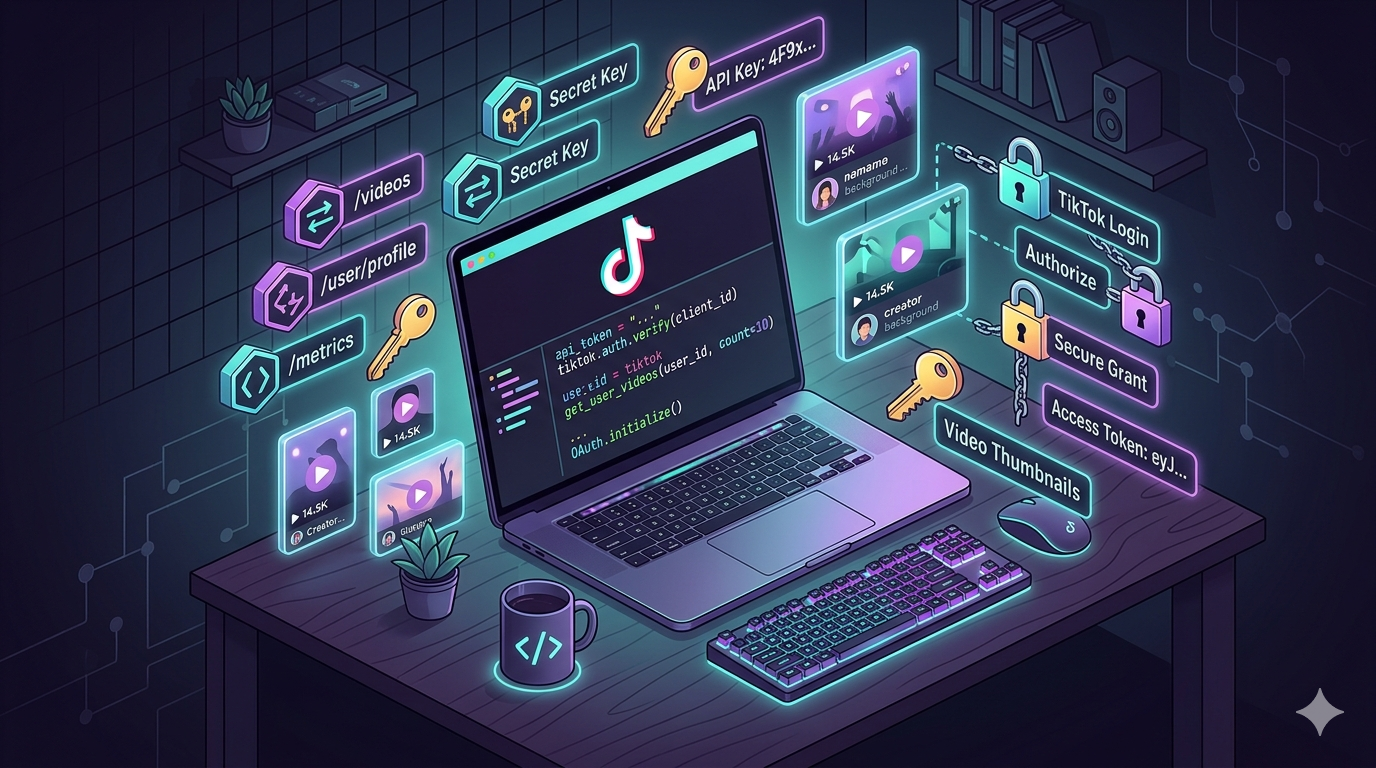
The short-form video revolution isn't slowing down. TikTok has grown into one of the most influential social media platforms on the planet, with a user base that surpassed 1.9 billion adults worldwide by mid-2025. For developers, marketers, and business owners looking to tap into that massive audience, the TikTok API is the key that unlocks the door.
But what exactly is the TikTok API? How does it work? And how can you start using it — even if you've never worked with an API before?
This guide from keyapi breaks it all down. Whether you're a developer wanting to build an integration, a marketer exploring automation, or simply someone curious about how apps connect with TikTok behind the scenes, this article will walk you through everything you need to know.
What Is an API (and Why Does It Matter)?
Before diving into TikTok specifically, let's demystify the term "API" itself. API stands for Application Programming Interface. It's essentially a set of rules and tools that allows one piece of software to communicate with another.
Think of it like ordering at a restaurant. You don't walk into the kitchen and start cooking your own meal. Instead, you place your order with a waiter, who relays it to the kitchen and brings back your food. An API works the same way — it gives your application a structured, secure method to request data or trigger actions on another platform's servers, without giving you direct, uncontrolled access to their backend systems.
In the context of TikTok, the API lets your app or website do things like pull user profile data, display TikTok videos, publish content, or retrieve analytics — all with the user's permission and within TikTok's rules.
What Is the TikTok API?
The TikTok API is a collection of programming tools provided by TikTok through its official developer platform at developers.tiktok.com. It allows developers to build applications that interact directly with TikTok's ecosystem.
There isn't just one single "TikTok API." Instead, TikTok offers a suite of APIs and development kits, each designed for a specific purpose. Together, they cover everything from user authentication and content sharing to video publishing, data analytics, and even academic research.
The official TikTok Developer API is free to use — TikTok doesn't charge you for making API calls. However, there are indirect costs to consider, such as development time, server hosting, and the ongoing maintenance required to keep up with platform updates.
One important distinction to understand upfront: the TikTok Developer API is not a tool for scraping public data at scale. Most endpoints require a user to explicitly grant your application access to their data through an OAuth 2.0 authorization flow. It's permission-based, not open access.
Types of TikTok APIs and Development Kits
TikTok's developer ecosystem is made up of several distinct products. Here's a breakdown of each one and what it does.
1. Login Kit
Login Kit allows users to sign into your app or website using their TikTok credentials. It's built on OAuth 2.0 and serves as the foundation for most other API interactions.
When a user logs in through Login Kit, your app receives an access token — a secure, temporary credential that lets you access their basic profile information (like display name and avatar) without ever handling their password.
Best for: Consumer apps that want to offer a frictionless sign-up experience and reduce registration drop-off.
2. Display API
Once a user has authenticated through Login Kit, the Display API gives you read-only access to their public content. You can pull profile details and a list of their publicly shared videos.
Best for: "Link-in-bio" tools, creator portfolio sites, and any app that wants to showcase a user's TikTok content on an external platform.
3. Share Kit
Share Kit enables users to share content — videos, hashtags, and captions — from your app directly to TikTok. It's available on iOS, Android, and web platforms.
Best for: Video editing apps, content creation tools, and any platform that wants to let users push their creations to TikTok with a single tap.
4. Content Posting API
The Content Posting API allows authorized applications to programmatically upload and publish video content to TikTok on behalf of users. It supports two main flows: Direct Post (content goes live immediately) and Upload to Inbox (content is queued as a draft for the creator to review before publishing).
As of 2026, TikTok has expanded this API's capabilities to include support for Duet and Stitch permissions, branded content disclosures, and geo-targeting of video visibility.
Best for: Social media scheduling platforms, content management systems, and marketing agencies managing multiple client accounts.
5. Research API
The Research API is a specialized tool designed for academic and market research. It provides access to anonymized and aggregated public data, allowing researchers to study user behavior, trends, and platform dynamics.
However, access is restricted. This API was launched primarily for researchers, academics, and nonprofits. Commercial use cases often face rejection, and the rate limits are built around periodic research projects rather than daily business workflows.
Best for: University research teams, academic studies, and nonprofit organizations conducting platform analysis.
6. Commercial Content API
Part of TikTok's research tools, the Commercial Content API provides access to public advertising data for transparency purposes. You can query ad creatives, targeting criteria, spend ranges, and advertiser information for ads that ran in specific countries during specific time periods.
Best for: Advertising researchers, transparency advocates, and competitive analysis in the ad space.
7. Data Portability API
This API facilitates the transfer of user data between TikTok and third-party applications. It's designed to comply with data privacy regulations and is currently available only to TikTok users in the EEA and UK.
Best for: Platforms that need to support data portability requirements under regulations like GDPR.
8. Webhooks
TikTok's webhook system lets you receive real-time notifications for events on the platform. Instead of constantly polling the API for updates, you can subscribe to specific events and receive data as it happens.
Best for: Applications that need real-time data without the overhead of repeated API requests.
9. Embed Videos
While not a traditional API, TikTok's embed functionality allows you to display TikTok videos and creator profiles on external websites and articles using simple embed codes.
Best for: News websites, blogs, and any content platform that wants to feature TikTok content inline.
How TikTok API Authentication Works
Before your app can access any TikTok data or perform actions on a user's behalf, it needs permission. TikTok uses OAuth 2.0 — the industry-standard protocol for secure authorization.
Here's a simplified version of how it works:
Step 1: The user clicks "Continue with TikTok" on your app or website. This redirects them to TikTok's authorization page.
Step 2: The user reviews and approves the permissions your app is requesting (called "scopes"). For example, your app might request access to basic profile info (user.info.basic) or the ability to post videos.
Step 3: TikTok sends an authorization code back to your app via a redirect URI that you've registered in the developer portal.
Step 4: Your server exchanges that authorization code for an access token. This token is what you'll include in all subsequent API calls to prove that the user has granted permission.
TikTok's authentication is split into two types:
User-based authentication: For actions tied to a specific user's account — like uploading a video to their profile or pulling their analytics. The user must explicitly log in and grant permission.
Client-based authentication: For actions that aren't connected to a single user, such as fetching general platform data.
Your client key and client secret should never appear in client-side code or in a public repository. Always store them as server-side environment variables.
How to Set Up Your TikTok Developer Account
Getting started with the TikTok API requires a few setup steps. Here's the process:
1. Create a Developer Account Visit developers.tiktok.com and sign up using your email address. TikTok will send a verification PIN to confirm your account.
2. Register Your App Once logged in, navigate to the "Manage apps" section and click "Connect an app." You'll need to provide your app's name, select a category that describes its purpose, upload an app icon, and write a description of what your app does.
3. Add Products Choose which API products your app needs — Login Kit, Share Kit, Content Posting API, etc. Each product may require specific scopes and permissions.
4. Configure Your Redirect URI For web apps, set up a redirect URI where TikTok will send the authorization code after a user approves access. This URI must use HTTPS, be static (no parameters), and be under 512 characters.
5. Submit for Review Submit your application for TikTok's team to review. You'll need to include a demo video of your integration, a privacy policy URL, and a clear explanation of how you'll use each requested permission. Approval typically takes 5 to 10 business days.
6. Start Building Once approved, you'll have access to your App ID, Client Key, and Client Secret — the credentials you need to start making API calls.
Making Your First API Call
Once you have your access token, making API calls is straightforward. Here's a conceptual overview using the Display API as an example.
To fetch a user's profile information, you'd send a GET request to TikTok's user info endpoint, passing the access token in the authorization header. The response returns data like the user's display name, avatar URL, and unique identifiers.
To retrieve a list of a user's recent videos, you'd send a POST request to the video list endpoint with the same access token. The response includes video IDs, titles, descriptions, durations, cover images, share URLs, and embed links.
All TikTok API responses follow a consistent structure with a data object containing the requested information and an error object indicating the status of the request.
Rate Limits and Best Practices
Like any API, TikTok enforces rate limits to prevent abuse and ensure platform stability. These limits vary by endpoint and by the type of access your app has (sandbox vs. production).
Here are some best practices to keep in mind:
Handle errors gracefully. API calls can fail for many reasons — network issues, expired tokens, or rate limit violations. Your code should handle these scenarios with clear error messages or automatic retries after a short delay.
Only request the scopes you need. Don't ask for permissions your app doesn't actually use. This builds user trust and speeds up the approval process.
Refresh tokens proactively. Access tokens expire. Implement a token refresh mechanism so your app doesn't break when a token becomes invalid.
Cache responses when appropriate. If you're displaying the same data repeatedly, cache API responses rather than making redundant calls. This reduces your rate limit consumption and improves app performance.
Stay updated with TikTok's changelog. TikTok periodically updates and deprecates endpoints. Keeping up with the developer blog and documentation ensures your integration doesn't break unexpectedly.
Common Use Cases for the TikTok API
The TikTok API opens up a wide range of possibilities. Here are some of the most popular real-world applications:
Social media scheduling: Marketing platforms use the Content Posting API to let users schedule and auto-publish TikTok videos alongside their content on other platforms.
Creator analytics dashboards: Apps pull video performance metrics — views, likes, shares, comments — through the API to build reporting tools that help creators understand what's working.
Link-in-bio tools: Platforms use the Display API to automatically generate landing pages that showcase a creator's latest TikTok content.
E-commerce integrations: Brands connect TikTok data with their product catalogs and CRM systems to track how TikTok content drives traffic and sales.
Brand safety and moderation: Companies use the API to fetch comments on their videos in real time and run them through automated moderation systems to flag spam or harmful content.
Academic research: Universities and research institutions use the Research API to study trends, user behavior, and the cultural impact of TikTok content.
Limitations to Be Aware Of
The TikTok API is powerful, but it's not without its constraints:
No access to the For You Page. The algorithm that powers TikTok's personalized feed is proprietary. The API does not provide any way to access or replicate a user's FYP.
Strict approval process. Getting production access requires a thorough review, including a working prototype and detailed justification for each permission you request.
Research API restrictions. Commercial entities often struggle to gain access to the Research API, which is primarily reserved for academic and nonprofit use.
Rate limits. Heavy usage can hit rate limits quickly, especially during sandbox testing with lower thresholds.
Ongoing maintenance. TikTok regularly updates its APIs. Developers need to stay on top of changes to avoid breaking integrations.
TikTok API vs. Third-Party Alternatives
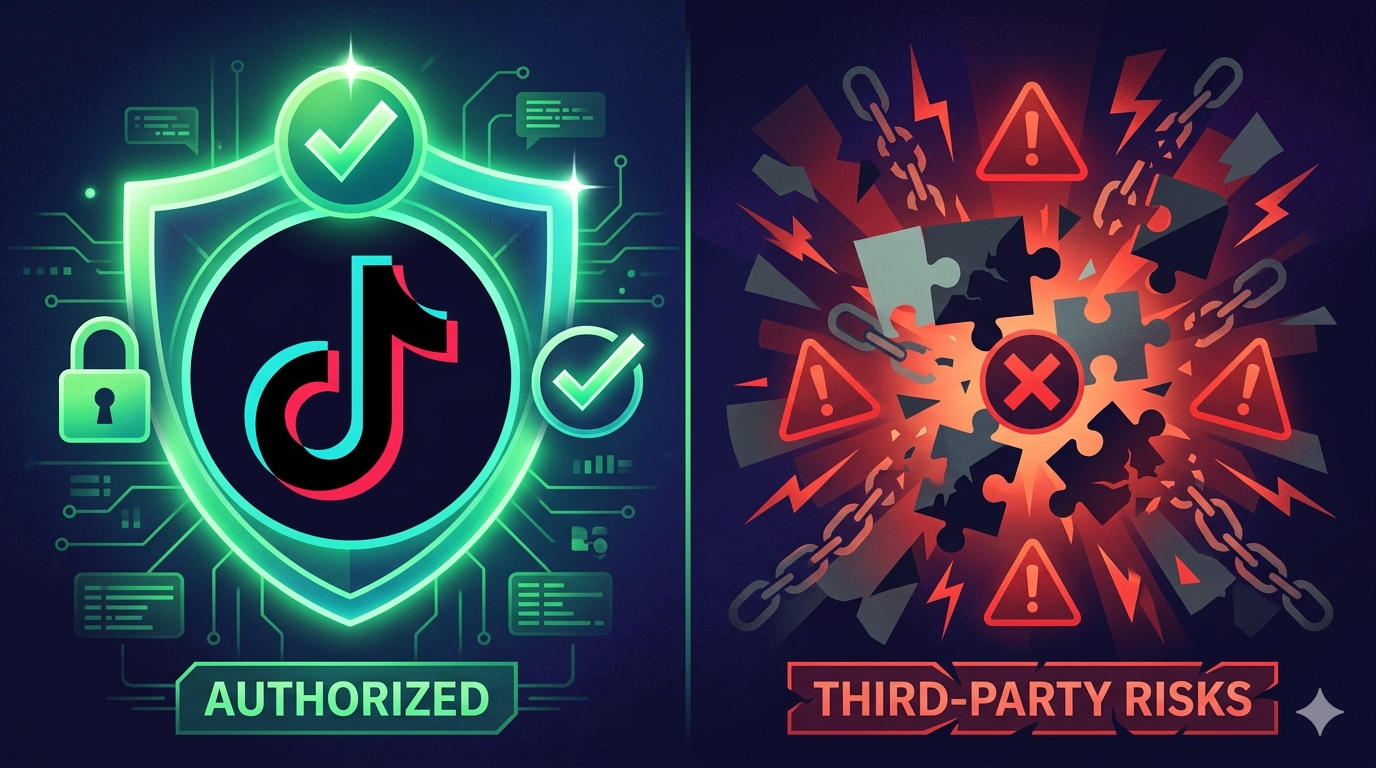
Because of the official API's access restrictions and approval process, a secondary ecosystem of third-party data APIs and tools has emerged. These tools often provide faster access to public TikTok data — like trending videos, hashtag analytics, and creator profiles — without going through TikTok's formal review process.
However, third-party tools come with their own risks. They may rely on unofficial methods that could break at any time, and using them may violate TikTok's terms of service. For any production application, the official API is always the safest and most sustainable choice.
Getting Started: Your Next Steps
If you're ready to start building with the TikTok API, here's a quick action plan:
Visit developers.tiktok.com and create your developer account.
Explore the documentation. TikTok's developer docs are comprehensive and include guides, API references, and code samples.
Start with Login Kit and Display API. These are the easiest entry points and give you a foundation to build on.
Build a prototype. You'll need a working demo to submit for production access, so start small and iterate.
Submit for review and plan for a 5–10 day approval window.
Join the developer community. TikTok's developer blog and forums are great resources for staying current with updates and best practices.
Final Thoughts
The TikTok API is the bridge between your application and one of the world's most engaged social media audiences. Whether you're building a scheduling tool, an analytics dashboard, a creator platform, or something entirely new, the API gives you the foundation to create meaningful integrations with TikTok's ecosystem.
The setup process takes some effort — the approval requirements are stricter than some other platforms — but the payoff is access to a massive, highly active user base through official, stable, and well-documented tools.
Start small, follow the best practices, and build from there. The opportunity is enormous.